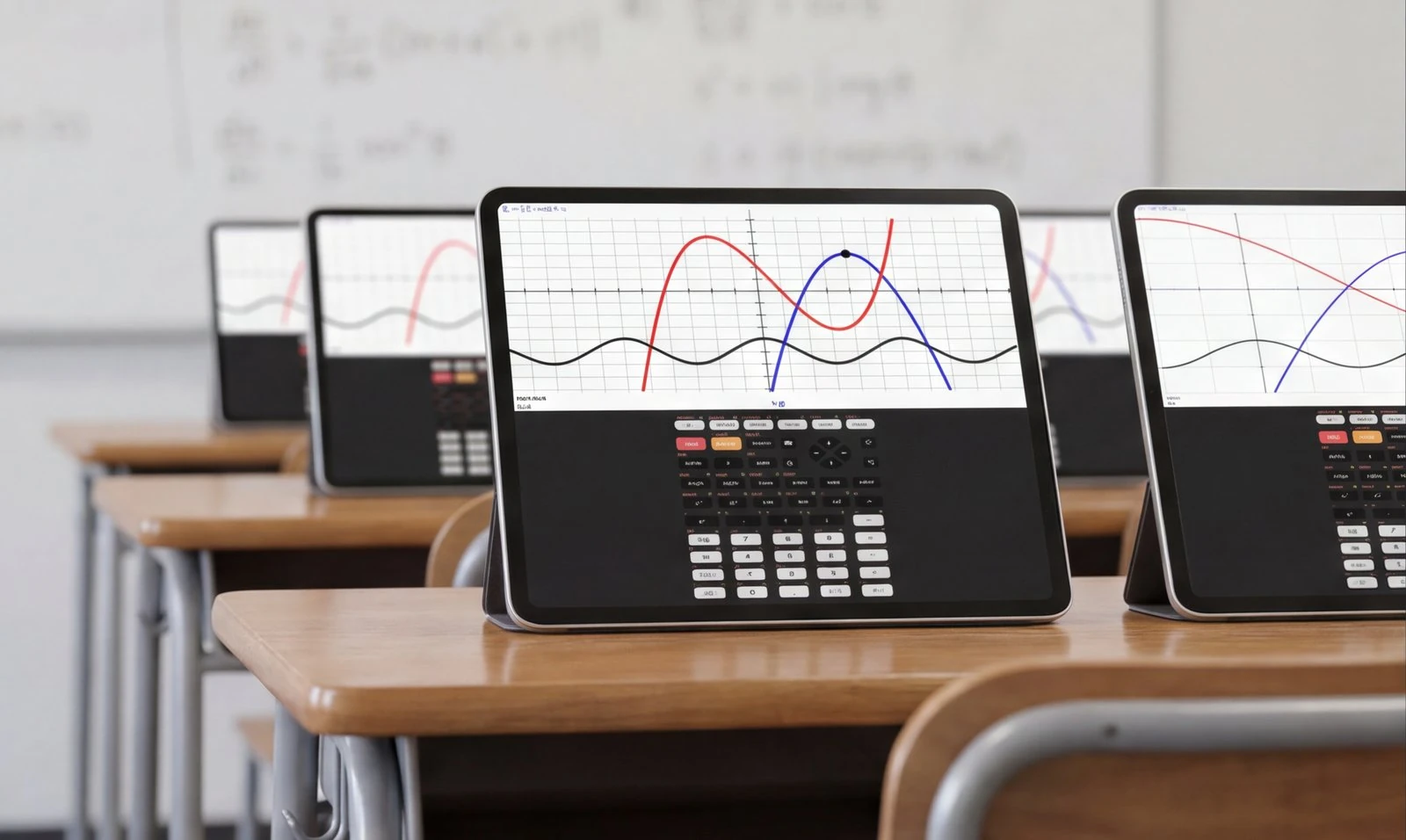
Sharp & fast graphing
Remember when your calculator drew the graph pixel by pixel for thirty seconds? Those days are over. Taculator 84 renders graphs instantly — clean, sharp, and ready for screenshots.
A graphing calculator intended for use with the TI-84 Evo and TI-84 Plus CE. Overhauled 2026 menus and MathPrint input, same keypad logic you learned in class, on the phone you already carry. An easy replacement for homework and studying when a physical TI-84 Evo, Plus CE or Casio handheld is not nearby. No ads. Independent app, not affiliated with Texas Instruments.
Also on Mac · Free to download · No ads
Forgot your calculator? · App vs. handheld · The best 84 apps, compared
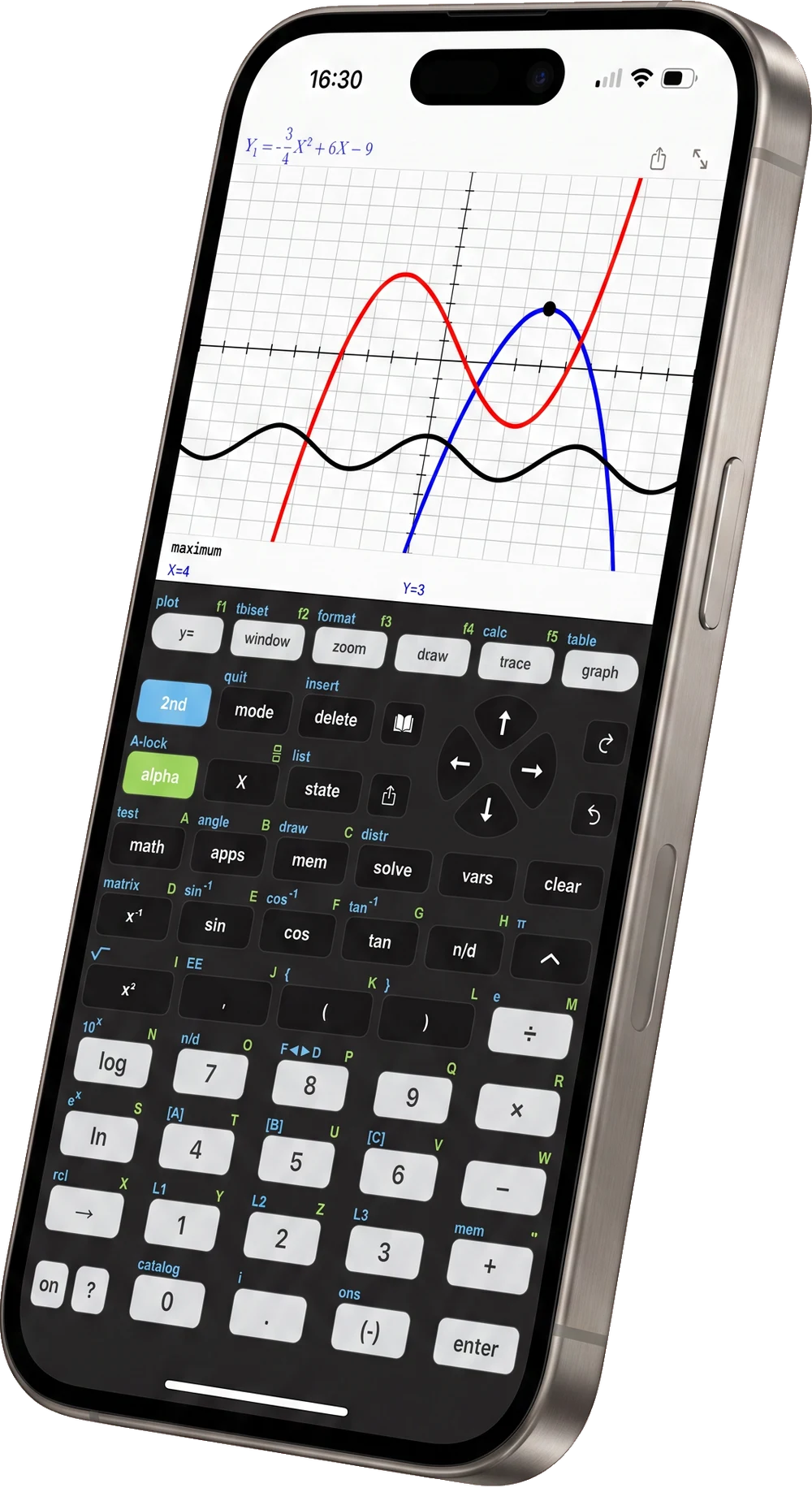


Get every command you need for high school and college — without the $150 hardware.
Remember when your calculator drew the graph pixel by pixel for thirty seconds? Those days are over. Taculator 84 renders graphs instantly — clean, sharp, and ready for screenshots.
Intended for use with the TI-84 Evo and TI-84 Plus CE — y=, mode, stats, math. Overhauled 2026 menus and MathPrint input, so class keystrokes still make sense on the phone. No ads.
Pre-Algebra, Algebra 1 & 2, Pre-Calculus, Calculus, Statistics, Matrices — everything that's on the curriculum, plus everything that's on the test.
Wondering how it stacks up against Calculate84, Wabbitemu or Desmos? Taculator 84 has no ads in any tier; Calculate84 shows ads in its free personal tier. See the full comparison →
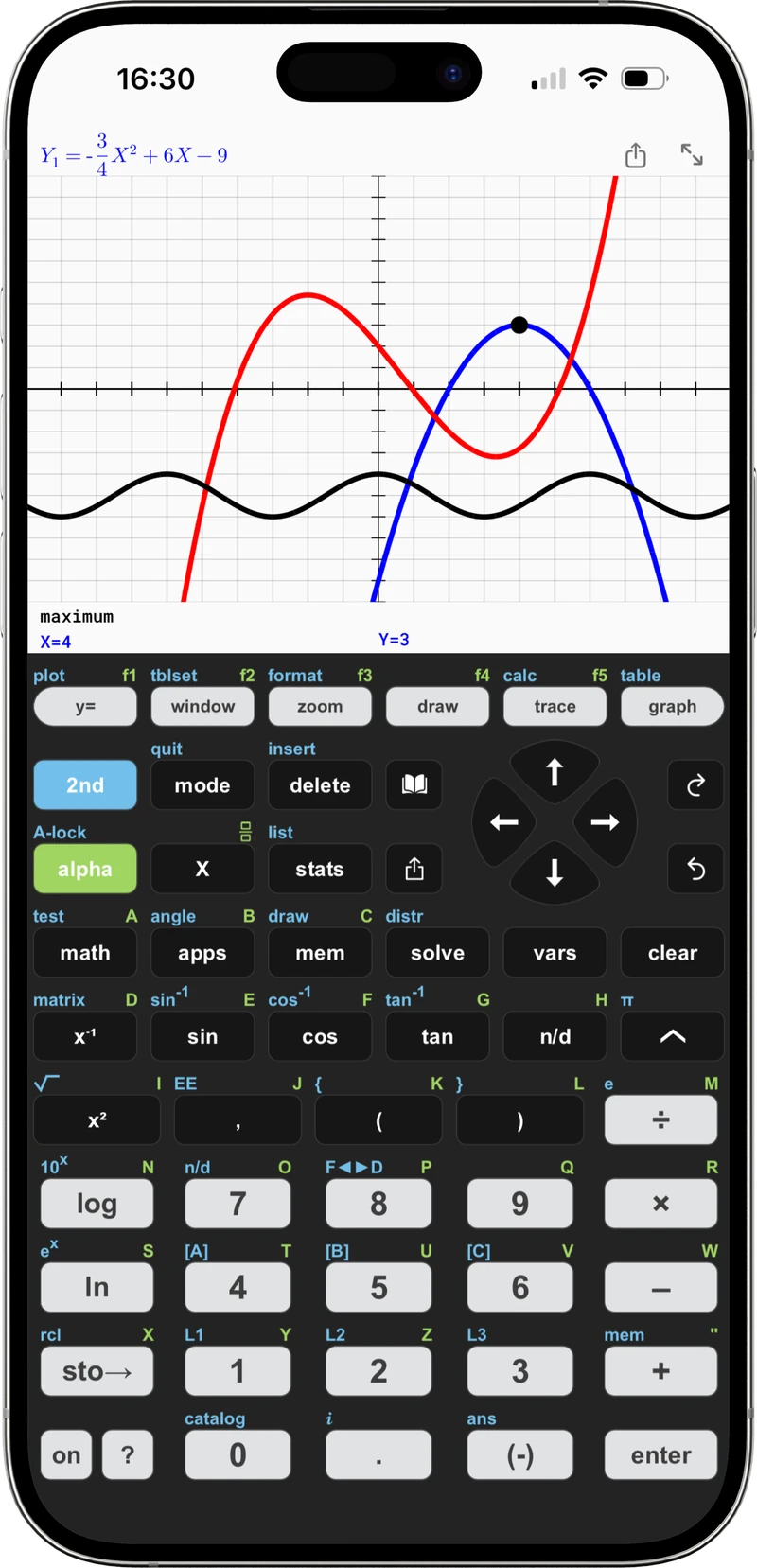
Graphing, textbook-style equations and MathPrint — three of the screens you'll use most.
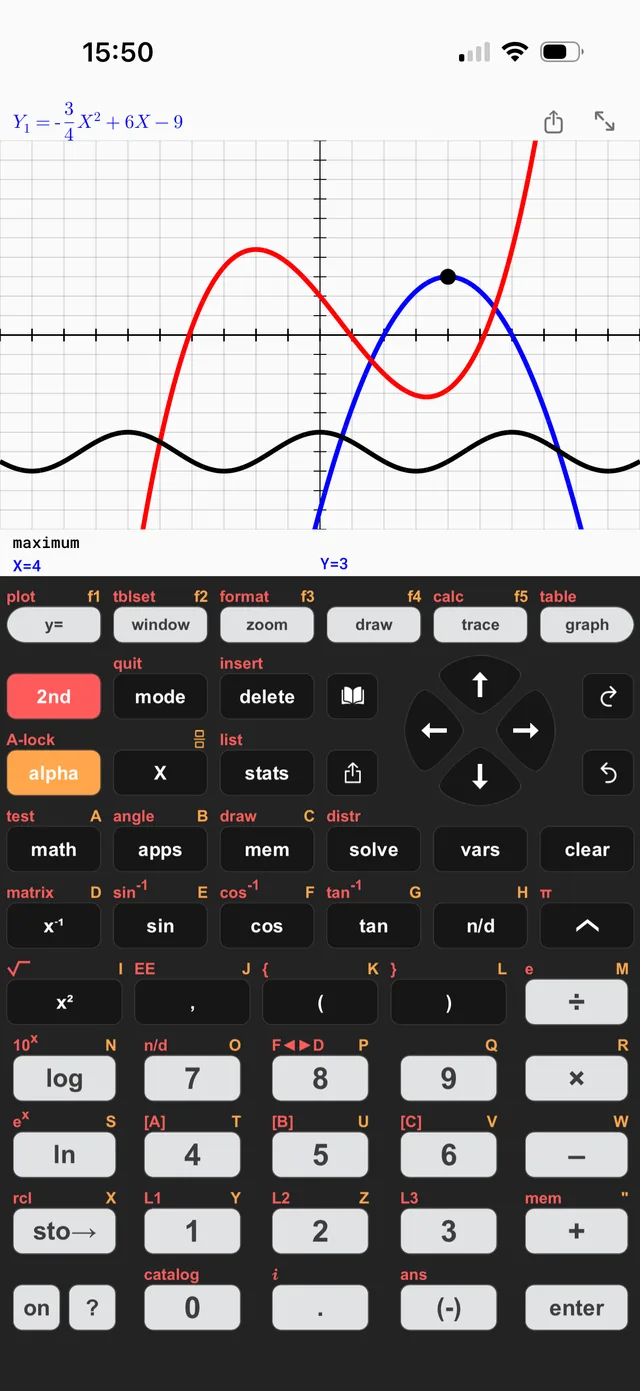
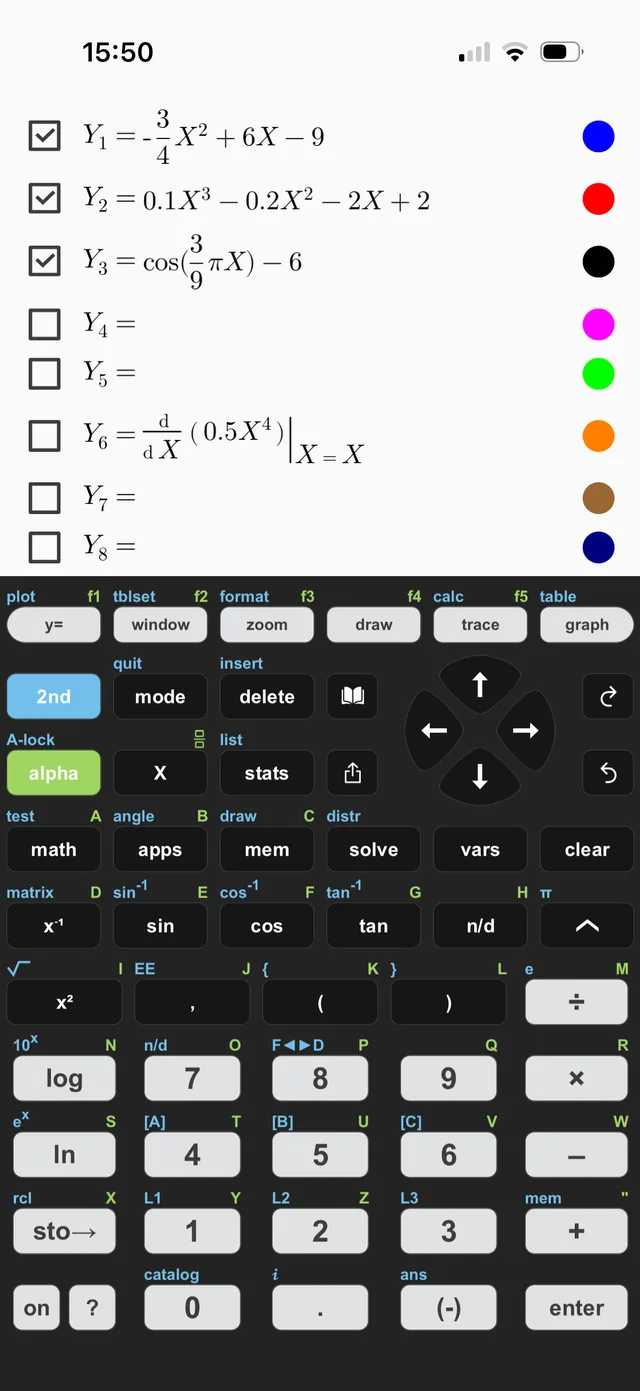
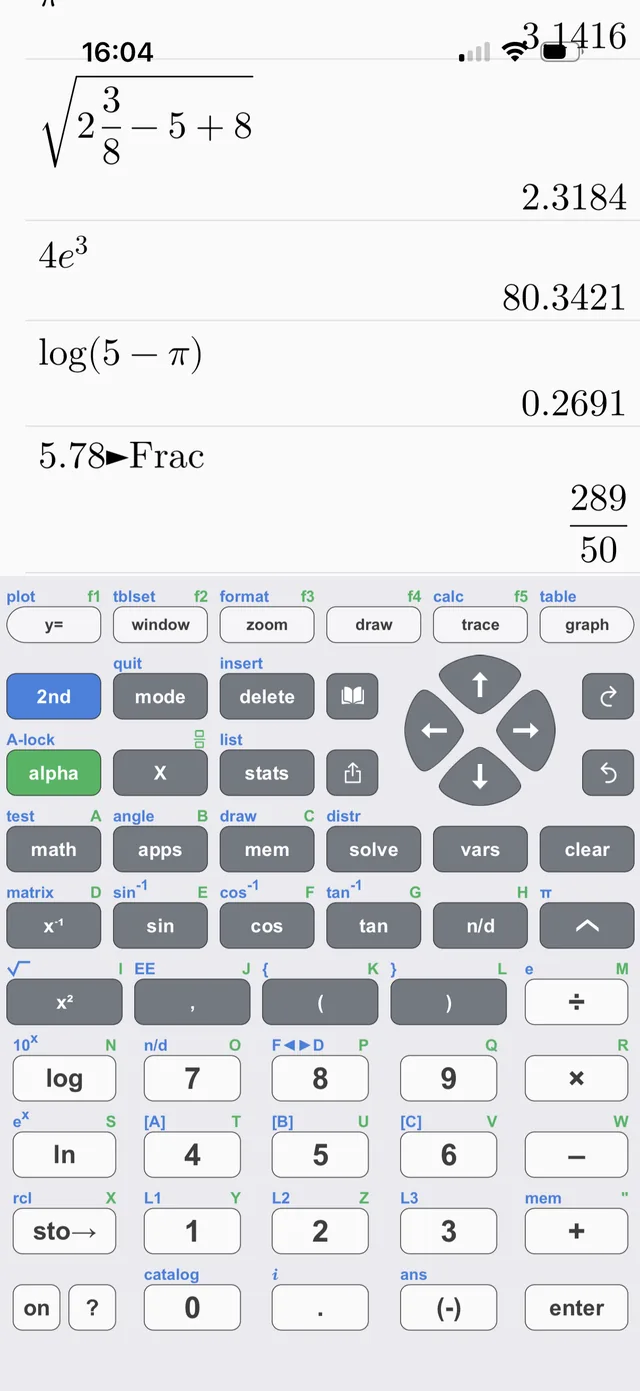
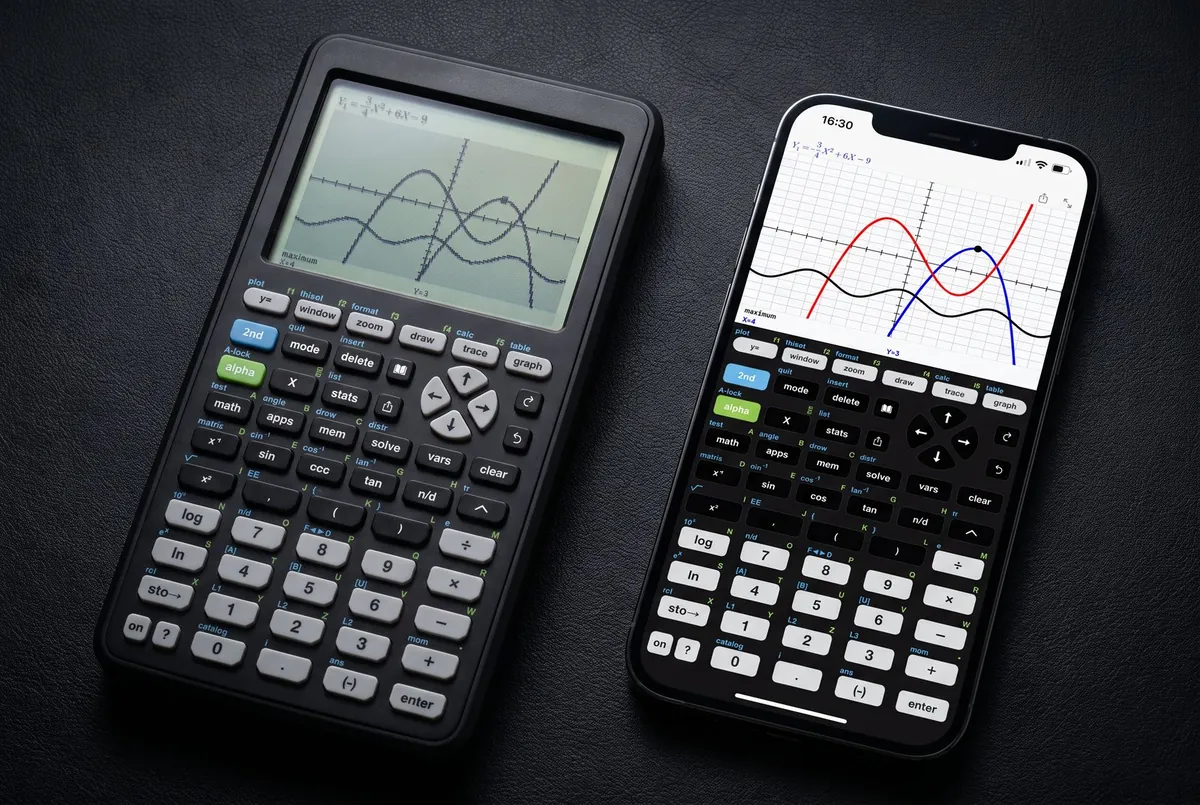
The same calculator layout you trained on — modes, menus, shift-alpha shortcuts — running on hardware that's 50× faster and already in your pocket. Available wherever you study.
Taculator Pro supports Apple Family Sharing. Buy it once, as Lifetime or a subscription, and up to five family members get Pro on their own iPhone, iPad and Mac.
Uses Apple Family Sharing. Not available on Google Play.
From AP students to college freshmen — Taculator 84 is the calculator they reach for first.





Taculator 84 comes in 14 keyboard themes — tap one and watch the keypad change, exactly like in the app. No other 84-style app does that: see the comparison.
Printed, classroom-proven, and written by the makers of Taculator: one guidebook for the TI-84 Plus CE handheld, one for the brand-new TI-84 Evo, and one for the classic TI-84 Plus. Every book follows the same recipe: short explanations, images of the real keys, and step-by-step keystroke sequences.
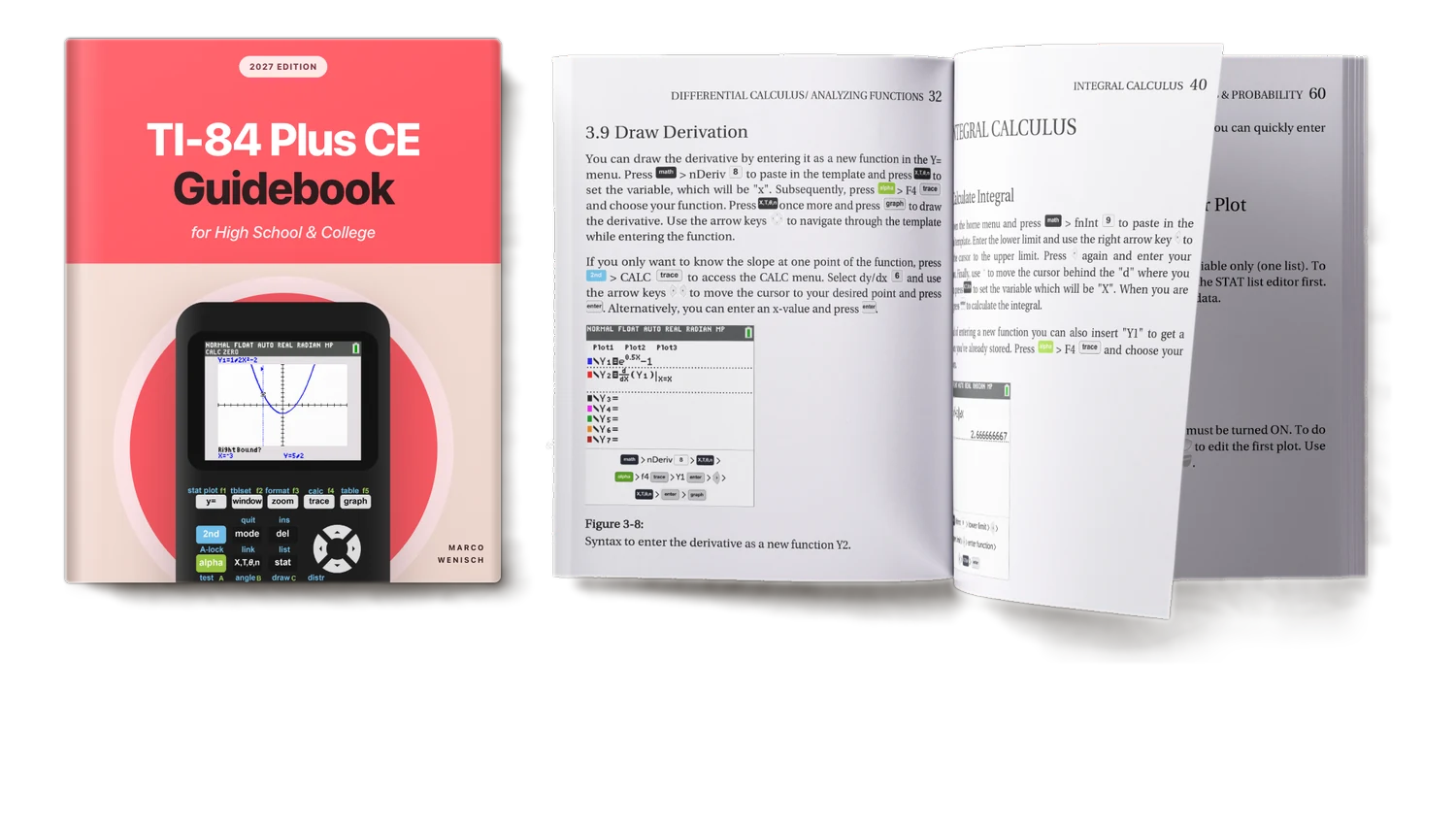
The complete guide to the TI-84 Plus CE handheld, including the Python edition — graphing, calculus, statistics and the preinstalled apps, for high school and college.
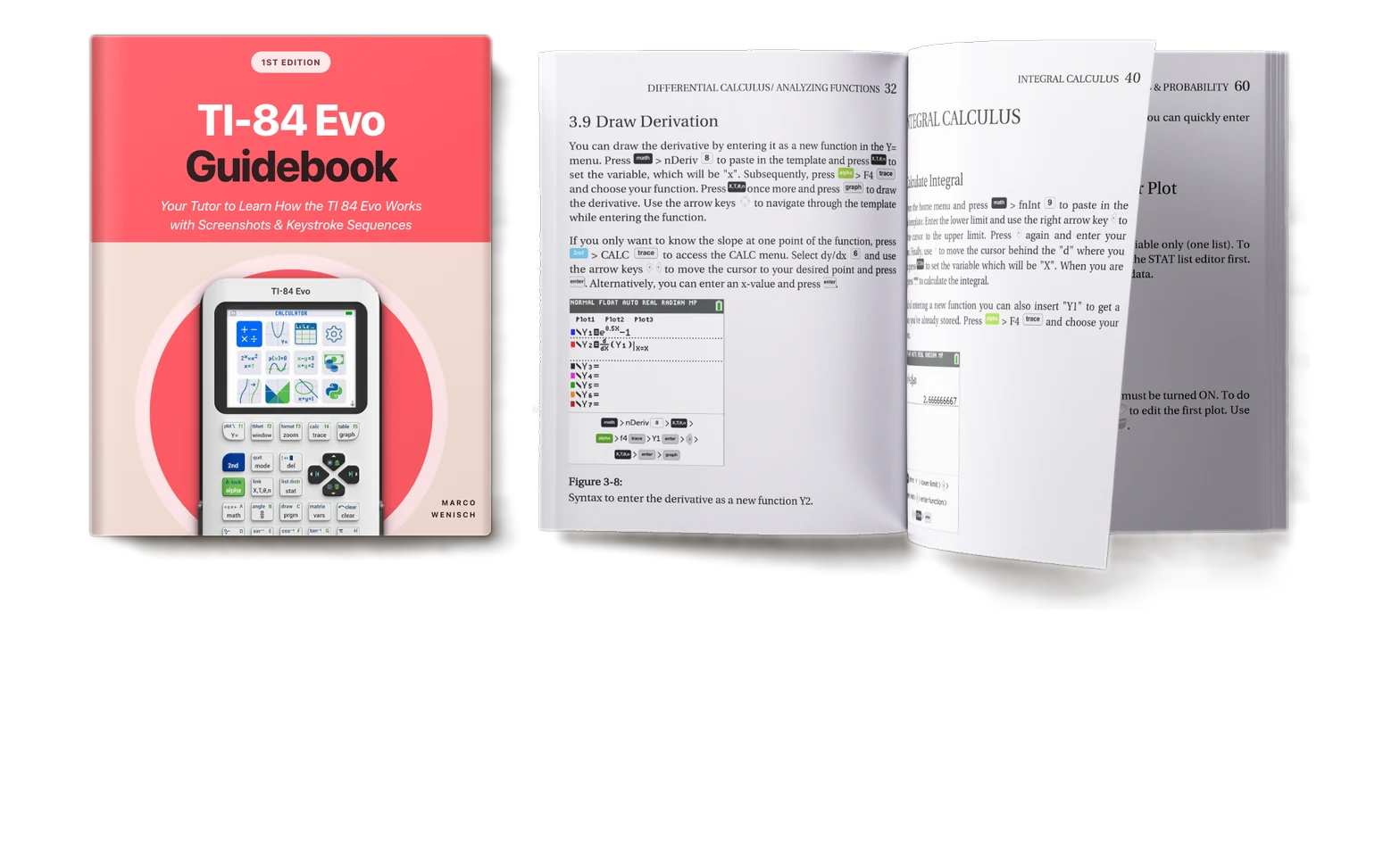
Brand new for the TI-84 Evo: from the home screen and its apps to graphing, calculus, statistics and Python. Every screenshot taken on the real Evo.
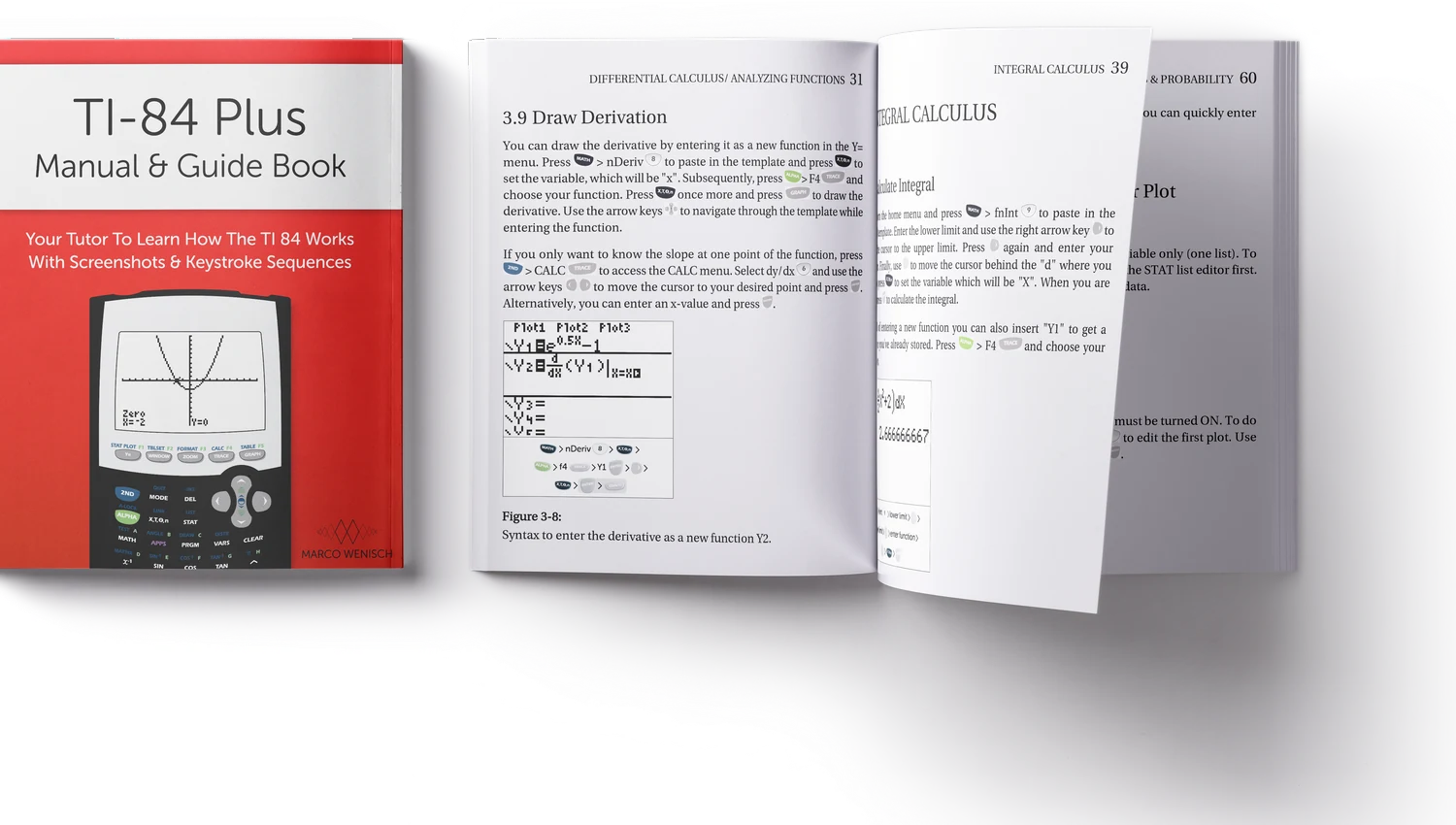
The same step-by-step approach for the classic TI-84 Plus with the black-and-white display — with exactly the right screenshots and keys for the older handhelds.
Schools, districts and tutoring programs get Taculator 84 completely free through Apple Custom Apps — no ads, no subscriptions, no per-seat price. Request access with your Apple Organization ID and deploy over MDM.