The 84 graphing
calculator for
the whole class.
There's a dedicated school edition — Taculator 84 EDU — and it's completely free for educational institutions. No ads, no subscriptions, no hidden costs. Submit your Apple Organization ID below and get access through Apple Custom Apps — so every student has the same calculator in front of them, every lesson.
iOS, iPadOS & macOS · deployed via your MDM · no student accounts
Business / School Manager
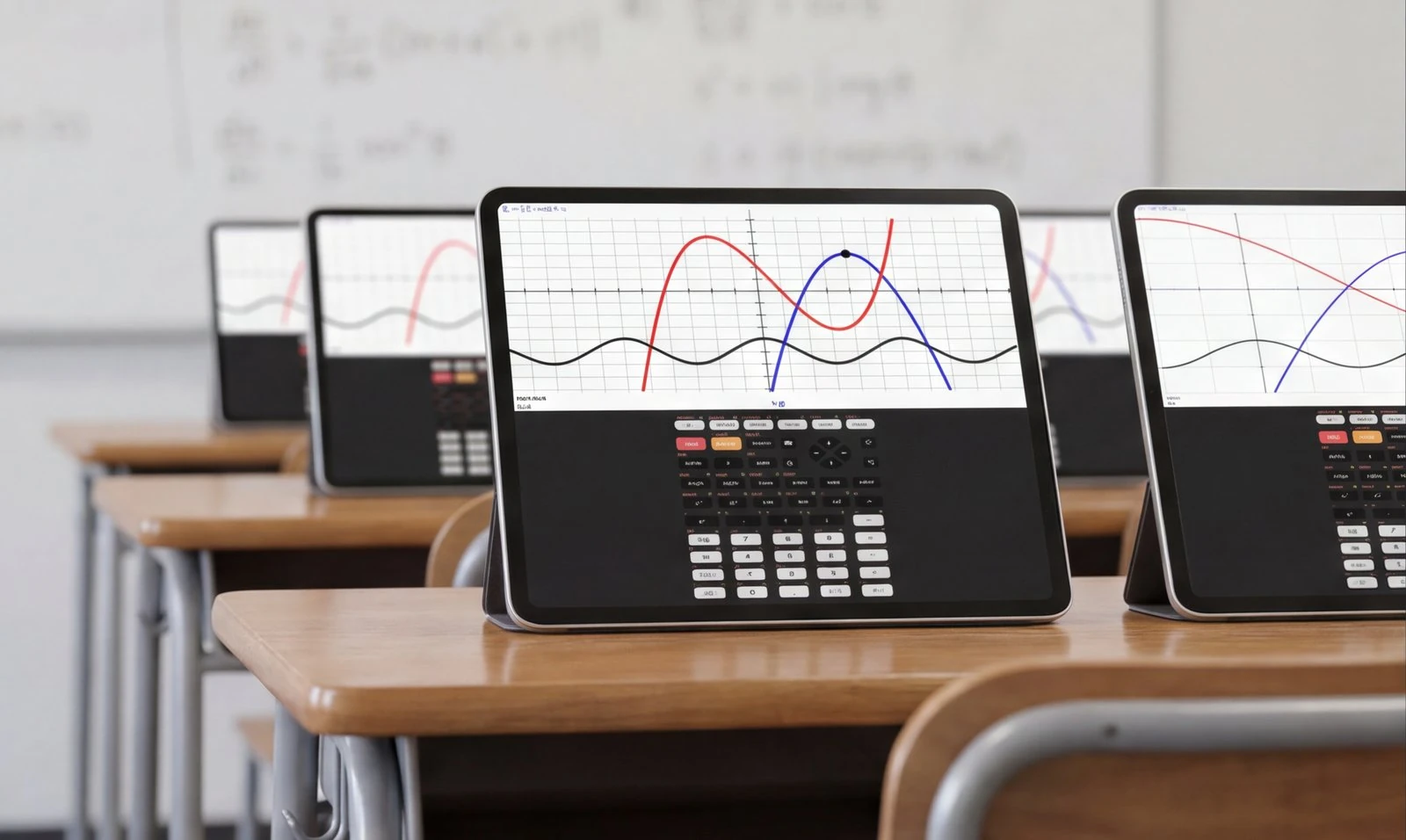
Three steps. No quotes. No license codes.
The whole flow lives inside Apple's existing tools — the same portal you already use to buy and deploy apps.
Request access
Submit your organization's name, Apple Organization ID and work email in the form below. We add your institution to the Taculator 84 EDU distribution list — usually within one business day.
Find it in Apps and Books
In Apple School Manager or Apple Business Manager, Taculator 84 EDU appears under Custom Apps for your organization — at $0. Get as many licenses as you have devices.
Distribute via MDM
Assign the app to your managed devices in Jamf, Mosyle, Intune, Apple Configurator — whatever your school uses. Students open it and have full access — offline, no accounts, forever.
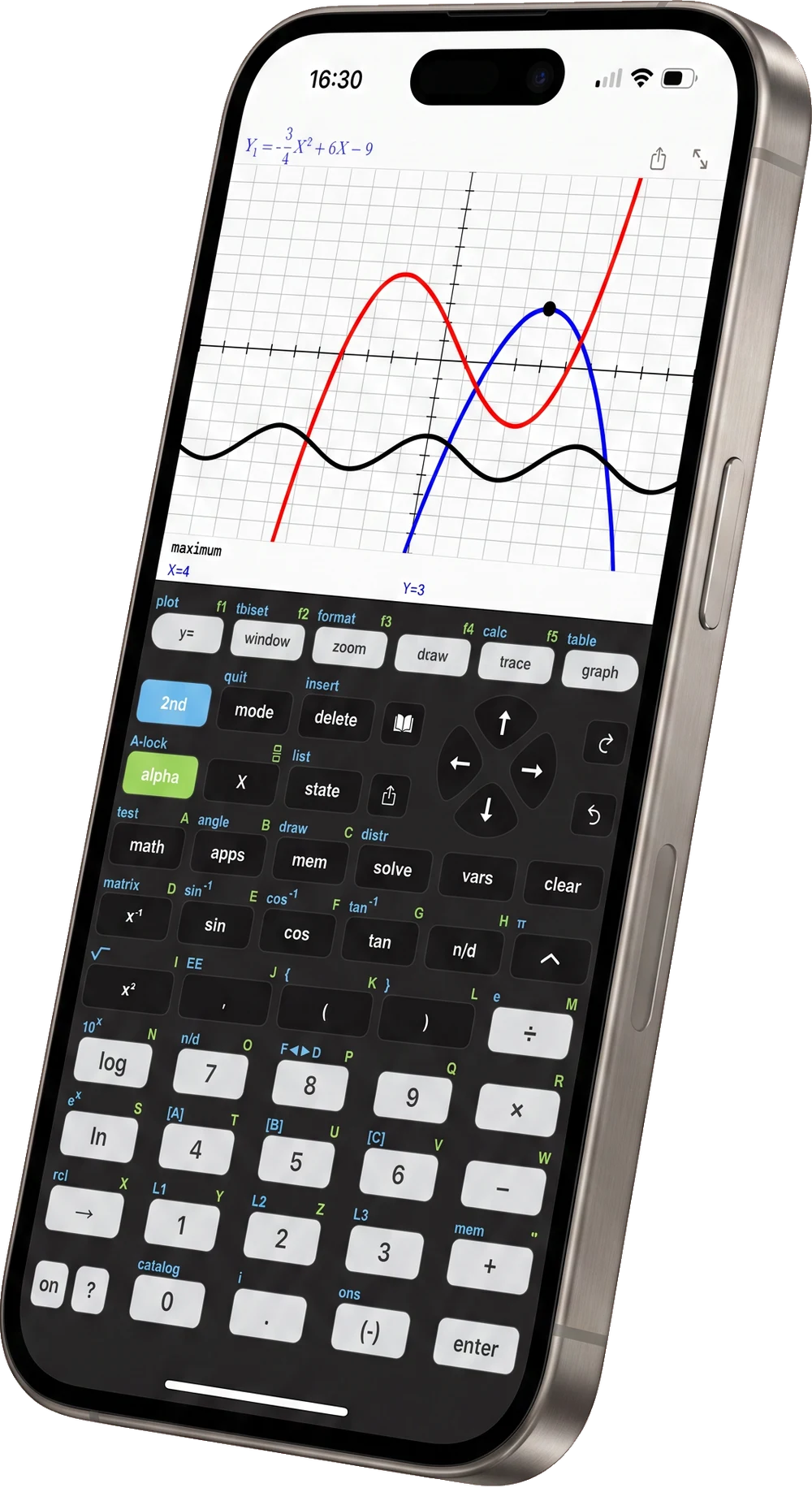
The keyboard your lesson plans already assume.
Same key layout, same menus, same syntax as the classroom handheld: y=, window, zoom, trace, graph, 2nd and alpha sit exactly where students reach for them. Your keystroke instructions work unchanged — there is nothing to relearn on either side of the desk.
Color graphing, tables, solver, matrices, statistics and distributions — on the managed iPad in your classroom, and on the phone in a student's pocket when they get home.
Get free access for your institution
Submit your Organization ID and we'll add your institution to our Apple Custom Apps distribution list.

Built for the way students actually work.
Group work at one table, homework on the bus, review the night before the test — the calculator that's on the device students already carry is the one that's actually there when the math happens. Teachers keep the handheld workflow they teach with; students stop being blocked by forgotten hardware.
That's the whole idea behind Taculator 84 EDU — and why it's free for schools.
Every Pro feature. No cuts.
Taculator 84 EDU is built on the same engine as the consumer app — every command, every theme, every offline mode. The only difference is how it's distributed and managed.
One classroom set. Or zero dollars.
Stretch your math department budget across the whole student body instead of the first ten kids in the supply closet.
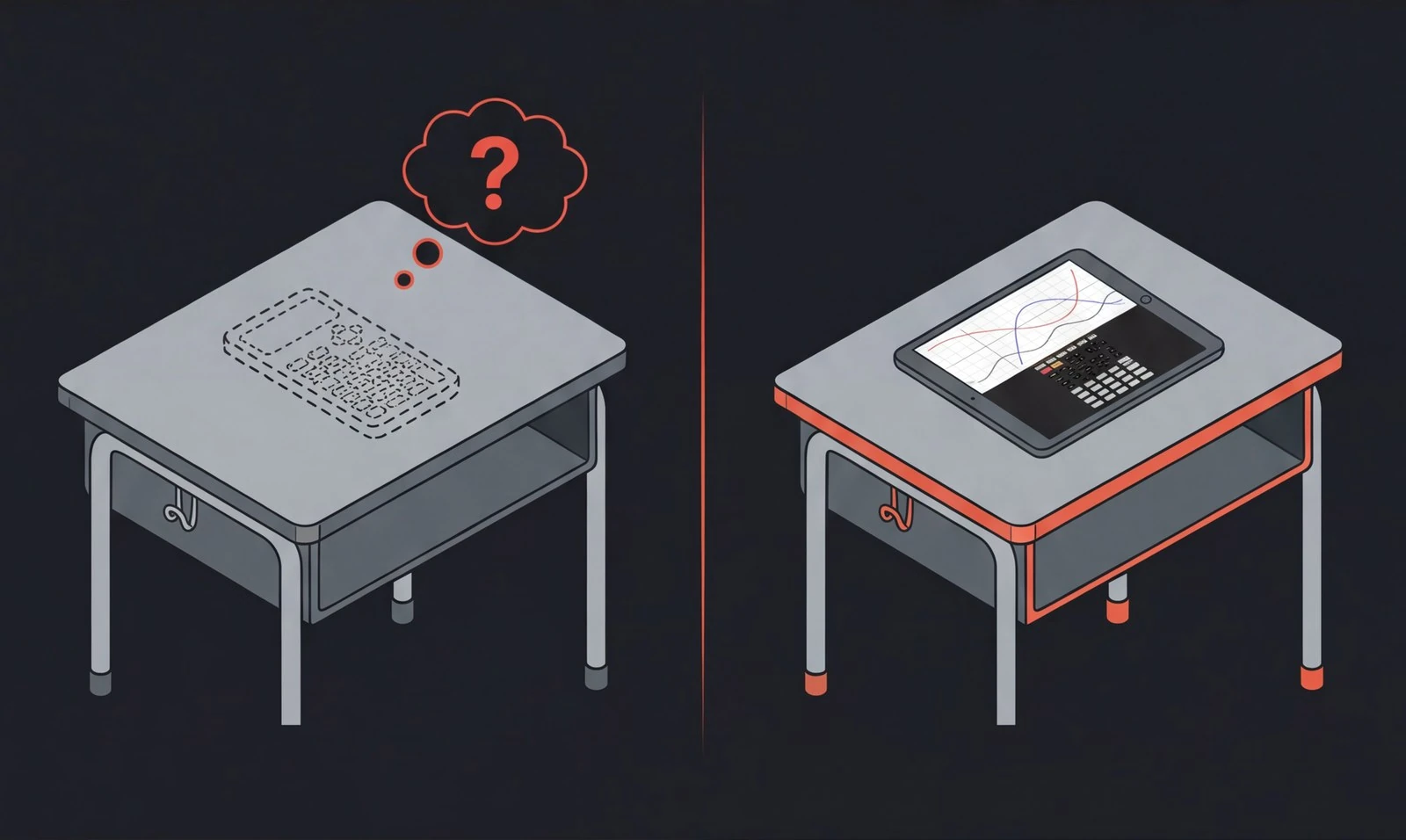
One classroom of 30 students: ~$3,900 in physical calculators vs $0 in Taculator 84 seats. Same math. Far less plastic.
Questions teachers ask.
Why is it free — what's the catch?
No catch. Students who learn on Taculator 84 in class often install the app on their own phones later; some of them buy the Pro version privately. Schools are how students discover us — that works best when nothing stands between a teacher and the app. The school edition stays free, including updates.
What is an Apple Organization ID?
A unique number Apple assigns to every Apple School Manager / Apple Business Manager account. You find it in Apple School Manager under Settings → Enrollment Information. We need it to make the Custom App visible to your organization — it grants no access to your account.
How is the EDU app different from the consumer Taculator 84?
Functionally it's the same calculator — same engine, same commands, same offline mode. The difference is distribution: it's delivered through Apple Custom Apps so your IT team can deploy it to managed devices, free of charge, with no App Store accounts on student devices.
Is Taculator 84 approved for ACT, SAT and AP exams?
Phone and tablet apps are not permitted on standardized tests — students still bring an approved physical calculator on test day. But Taculator 84 is the calculator they actually study with all year: same key layout, same functions, always with them. Check your exam board's current device policy.
How are seats distributed to students?
Through your usual Apple School / Business Manager + MDM setup. Assign by device or by user — whichever model your school uses. Students see the app pre-installed and open it. No redemption codes, no logins.
What about student privacy (FERPA/COPPA)?
The app requires no accounts, no personal information, and runs fully offline — there is no student data to collect. The EDU build contains no analytics and no third-party SDKs at all: its App Store privacy label is “Data Not Collected”. If your district needs a signed privacy or data-processing agreement, email contact@taculator.com and we'll complete your paperwork.
Do you support Android or Chromebook deployments?
Taculator 84 is also on Google Play and can be deployed to managed Android tablets via managed Google Play. For Chromebooks or Android institutional access, email us and we'll point you to the right channel.
We have license codes from an earlier purchase. Still valid?
Yes — existing codes keep working. New institutional access runs through the free Custom Apps program instead. Submit the request form with your Organization ID and we'll migrate your deployment.
Two minutes now. A calculator on every device by tomorrow.
Submit your Organization ID and we'll take it from there — the app appears in your Apple portal, free, usually within one business day. Questions about deployment or paperwork? Just email us.
contact@taculator.com · usually replies within 24 hours